
Use SOPs and training

Use SOPs & Trainings to read a published procedure or complete a course. Authoring stays in Settings.
Who this is for
Section titled “Who this is for”Agency team members granted View SOPs and View Training. Starting a quiz also requires Take Training Quizzes. Create SOP and Create Course require Create SOPs or Create Training. Owners and Admins have full access.
Before you begin
Section titled “Before you begin”- Open SOPs & Training ( /knowledge (opens in new tab) ).
- Confirm the heading SOPs & Trainings and the Overview, SOPs, and Courses tabs.
- Have the procedure or course name ready if you will search.
Find and read an SOP
Section titled “Find and read an SOP”- Select SOPs.
- Use Search SOPs… when you know part of the title.
- Use the folder list labeled SOPs when procedures are organized in folders. Select SOPs at the top to see every published item.
- Select a row to open the procedure.
- Use Back to SOPs to return to the list.
- Use Print or Copy when you need a print view or a shareable link. Use Edit only when you can change the procedure.
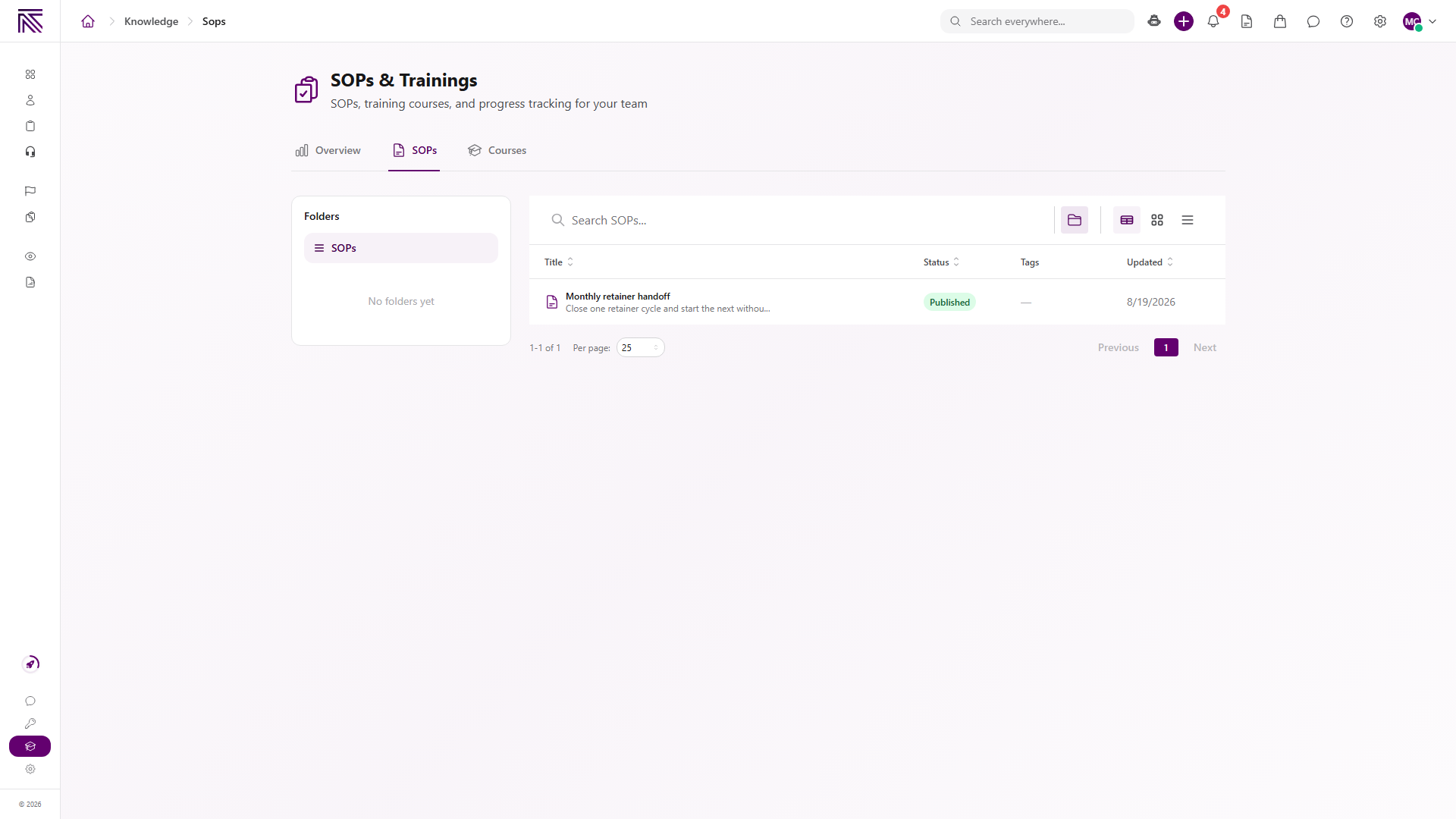
The SOPs list shows published procedures. Drafts do not appear here.
Start or continue a course
Section titled “Start or continue a course”- Select Courses. The list heading is Training.
- Use Search training… when you know the course or path name.
- Select a course row to open it, or select a path row to see the courses inside that learning path.
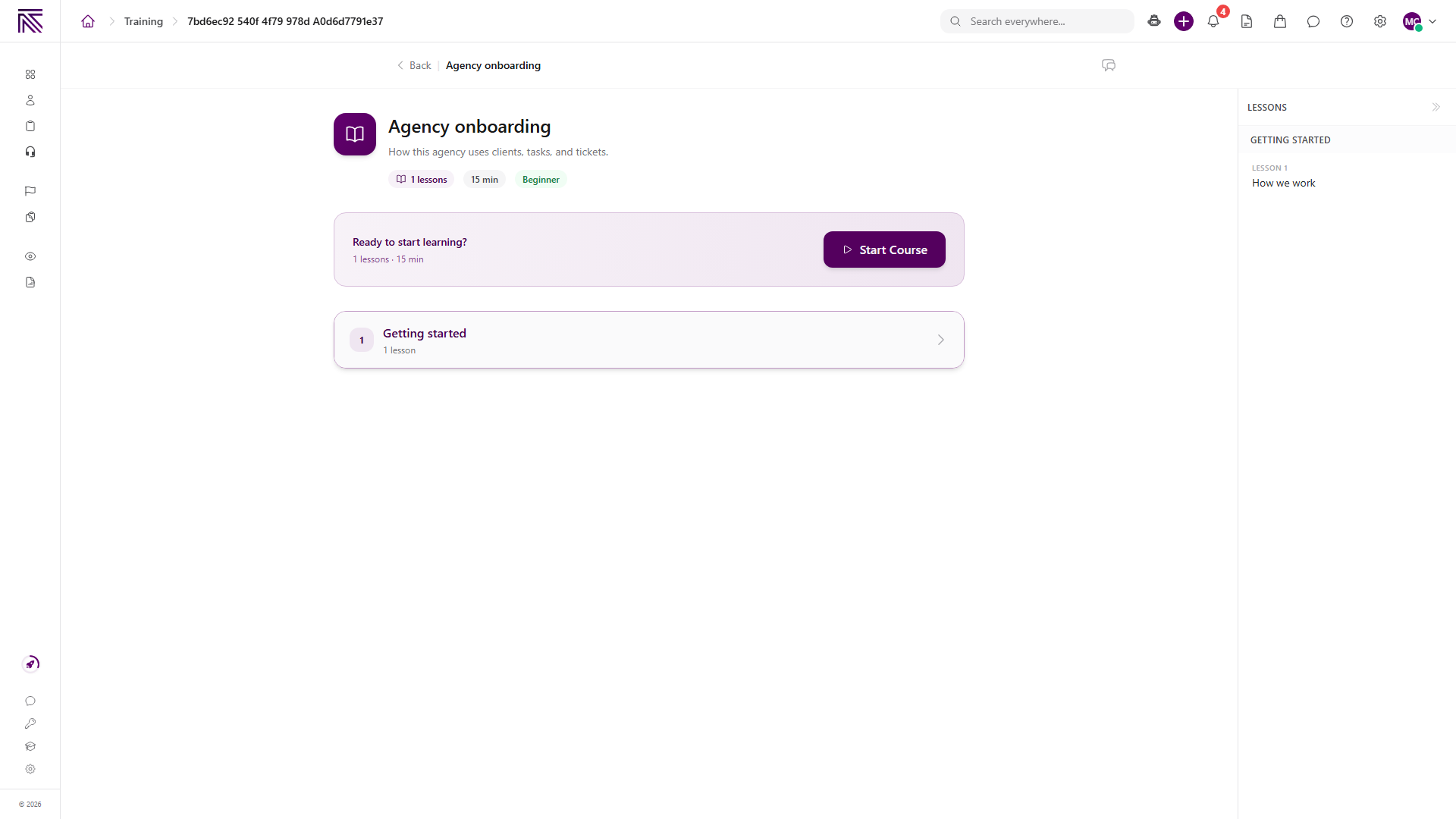
- On a course you have not started, select Start Course.
- If you already started it, select Continue. Continue Learning on Overview opens the same in-progress courses.
- Complete the lessons in order. If the course includes a quiz, take it when you have Take Training Quizzes.
Overview shows Required Training when a course is assigned to you. Select the course name there to open it.
Expected result
Section titled “Expected result”- The SOP opens with its title and body.
- A new course shows Start Course. After you start it, Overview can list it under Continue Learning.
- Completing a course can add it to Achievements and raise Courses Completed.
- Reading an SOP does not complete a related task. Starting a course does not create a ticket.
Troubleshooting
Section titled “Troubleshooting”| Symptom | What to check |
|---|---|
| The page is missing from navigation | You need View SOPs or View Training. |
| SOPs shows No SOPs yet | No published procedure is visible to you. Drafts stay in Settings. |
| No results found or No SOPs match your search | Clear the search or tag filter, or try a different title. |
| This folder is empty | Select SOPs in the folder list, or pick a different folder. |
| Courses shows No training content yet | No published course or path is visible. Drafts stay in Settings. |
| Start Course is missing and you see Continue | You already started that course. |
| A quiz will not start | You need Take Training Quizzes. |
| Create SOP or Create Course is missing | You need Create SOPs or Create Training. Those actions open Settings. |
| A client contact cannot find SOPs and training | Expected. This area is for the agency team. |
Related articles
 Concept SOPs and training overview Understand SOPs and Trainings, how published procedures differ from courses, and where daily reading stays versus Settings authoring.
  Concept Tasks & processes overview Understand how task types, process definitions, stages, fields, layouts, assignments, and tasks fit together.
  Concept Core Concepts Learn the AgencyTitan product model: workspace, clients, tasks, tickets, escalations, chat, SOPs, training, views, automations, programs, and settings.
  How-to Invite your team Invite agency teammates from Users so they can sign in to the agency app. This is not a client portal invite.